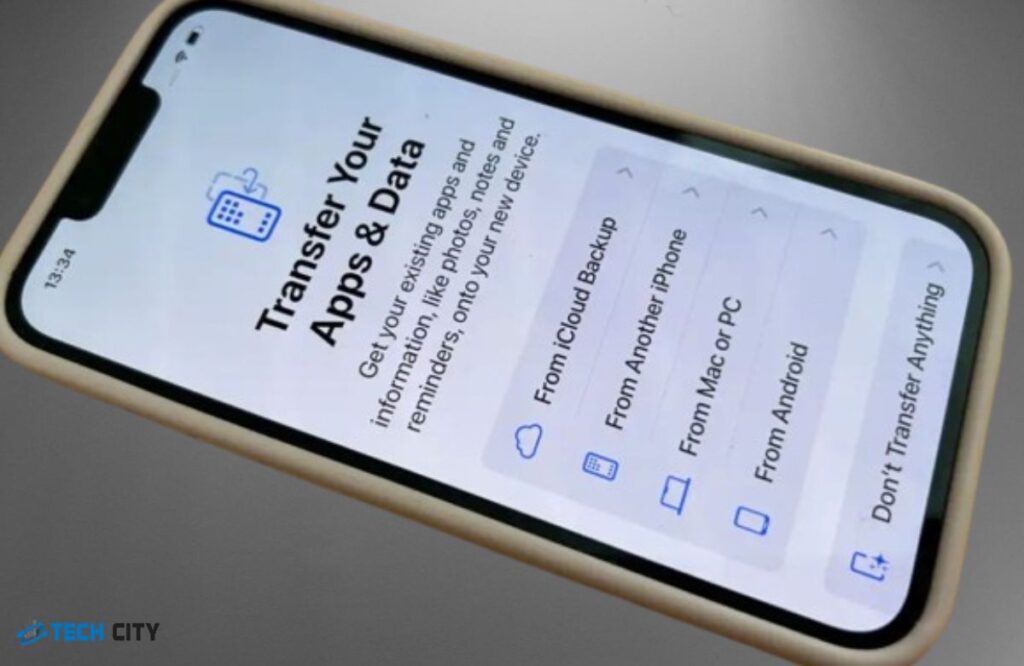
It is always exciting to upgrade to a new iPhone. So, Apple offers several ways to smoothly transfer data from your old iPhone to your new one. These methods include…
It can be stressful if your iPhone is stuck in recovery mode after water damage. The first step is to immediately power off the device, remove accessories, and gently dry…
iPhones are a big part of our daily lives, but they’re not completely safe from viruses or malware. Hackers can target iPhones using tricks like phishing links, social engineering, or…
Ready to ditch your old liquid screen protector? Whether it's worn out or you're looking for a fresh display, removing it is the best way to keep your iPhone spotless…
A crack in the screen protector can be annoying and unattractive, interfering with the screen's ease of use. The protector's primary function is to protect the screen against cracks or…
The steps you can take to fix your iPhone stuck on Apple logo after water damage include turning off your iPhone and removing all the accessories. Water damage is one…
If your iPhone is charged but won't turn on, do not worry. This is quite common. Several reasons, including a faulty charging port, a dead battery, liquid damage, software issues,…
Are you reselling your device and don’t know how to factory reset your iPhone to delete everything? It would be best if you didn’t worry because you will find technicians…
Is your iPhone battery draining faster than it usually does? This can not only happen to an old phone that does not hold up a charge anymore but a new…
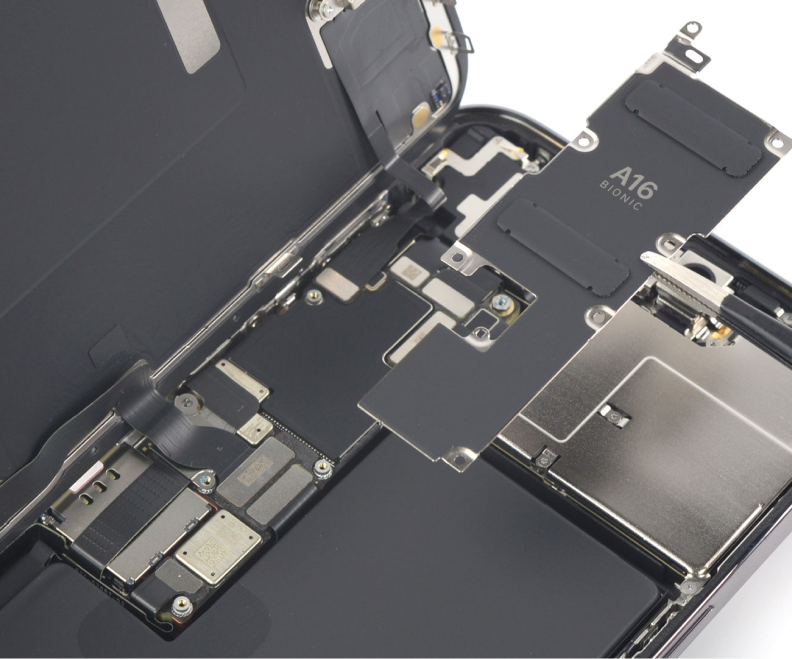
Did you just recently got your iPhone battery replaced and are not sure whether the battery has actually been replaced by a new one or not? Don’t worry, we have…